music
Capo Calculator
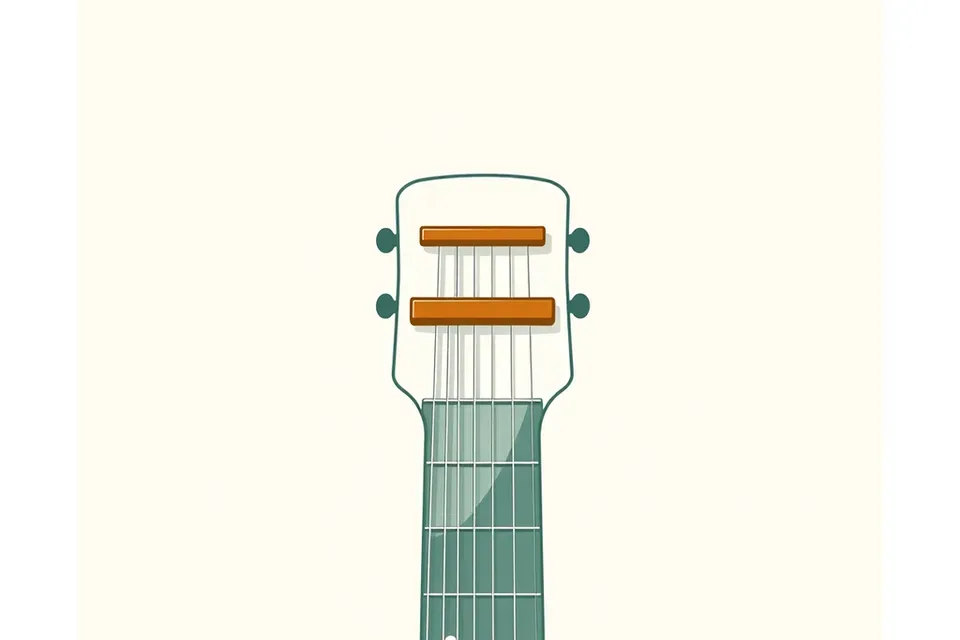
Set a capo fret and paste your chord chart — every recognized chord shape is shifted up by the capo so the result shows the chords it actually sounds like, with lyrics and formatting preserved. Includes common open-chord lookups at your capo and an optional target-key hint.
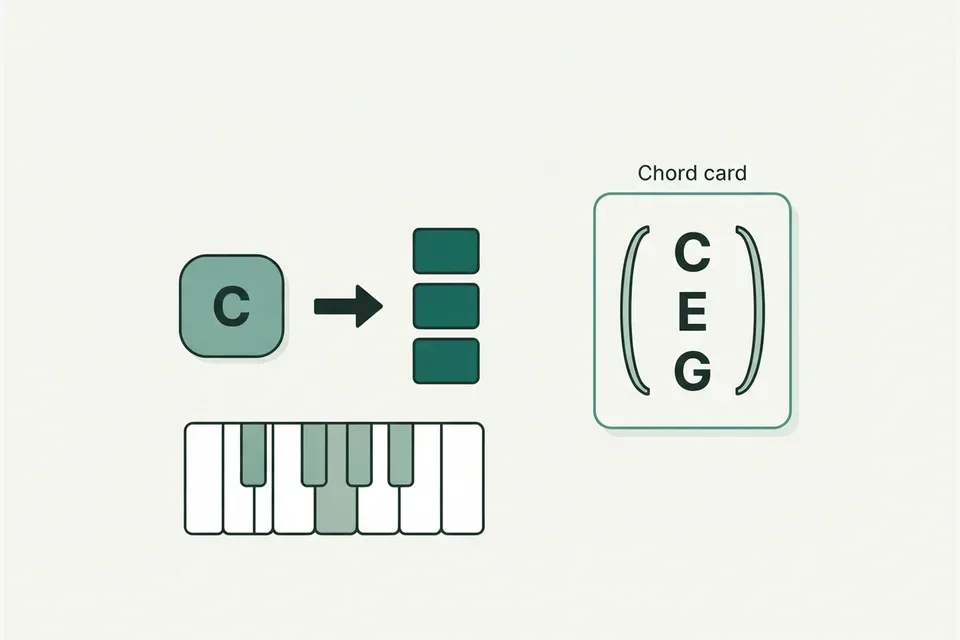
Chord shapes
What you finger — open-position shapes.
0 B of 2.0 MB used. Chord symbols above the lyrics work best — only recognized symbols change; lyrics and formatting stay untouched.
Sounding chords
What it sounds like — every chord raised by the capo.
Whole frets 0–12; 0 means no capo. Each fret raises every chord by one semitone.
A capo raises the sound, so the shapes come from a lower key. Pick a target and the hint below names the shapes to use.
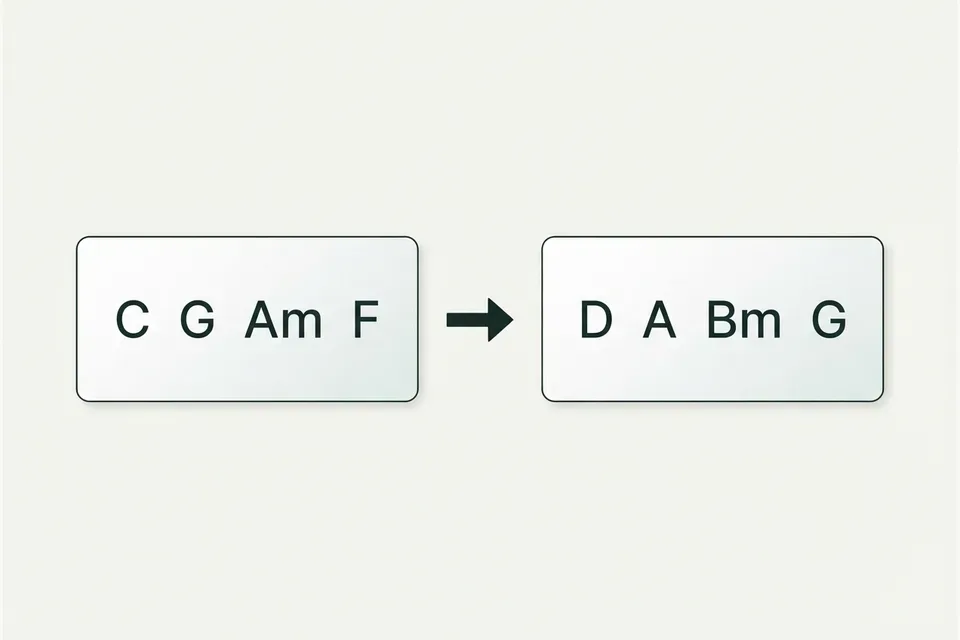
Capo 2 — every chord sounds 2 semitones higher.
Capo 2 + G shape → sounds A
Only tokens that look like chord symbols — an uppercase A–G root plus a supported quality, slash chords included — are transposed. Lyrics, lowercase words, punctuation and line breaks pass through untouched; anything that looks chord-like but does not parse is counted below, never guessed.
Paste or type a chord chart on the left — the sounding chords appear here as you type. Set the capo fret above; fret 0 means no capo.
| Shape you finger | Sounds |
|---|---|
C | D |
G | A |
D | E |
A | B |
E | F# |
Am | Bm |
Em | F#m |
Dm | Em |
Assumes standard tuning with an equal semitone per fret — an alternate tuning does not produce this chart, so capo positions for drop-D or open tunings are out of scope. Chord shapes beyond the supported symbol set pass through untouched.
Paste or type a chord chart on the left — the sounding chords appear here as you type.