images

Image Resizer
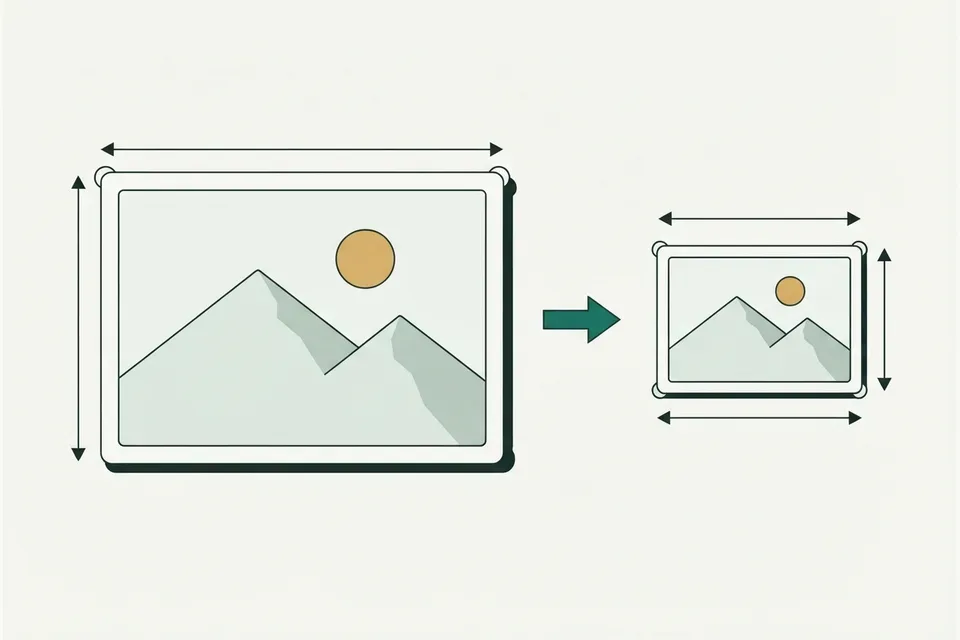
Resize JPEG, PNG and WebP images by pixels or percentage, keeping the aspect ratio by default.

Input

or drop images here — still JPEG, PNG or WebP, up to 10 MiB each, 10 files max.

Resize settings
Size unit

Percentages are measured against each image’s own dimensions, so a batch can mix sizes. Switching units resets the size fields.

e.g. 800

Height: automatic — calculated from the width to preserve each image’s aspect ratio.

On by default — height follows the width so images keep their proportions. Turn it off to set width and height independently, which allows distortion.

Off by default — a file whose requested size is larger than the original is reported with an error instead of being enlarged. Turn this on to permit enlargement.

Applies to JPEG and WebP output. PNG is always lossless — this setting does not apply to PNG files.

Result

Resized images appear here with exact before/after dimensions — each with its own download button.

Current resize: 800 px wide · aspect ratio locked · no upscaling · quality 90%.

Choose image files to begin.
Privacy settings

Checking…

We count anonymous tool use and coarse errors to improve ToolDeck. We do not send your files, pasted text, generated links, or results. Normal network delivery still exposes connection metadata to Cloudflare. Your choice is stored only in this browser's local storage — we do not create a visitor ID. Decline opts out; your browser's Global Privacy Control or Do Not Track signal overrides any choice.

Developer feedback