documents
Images to PDF
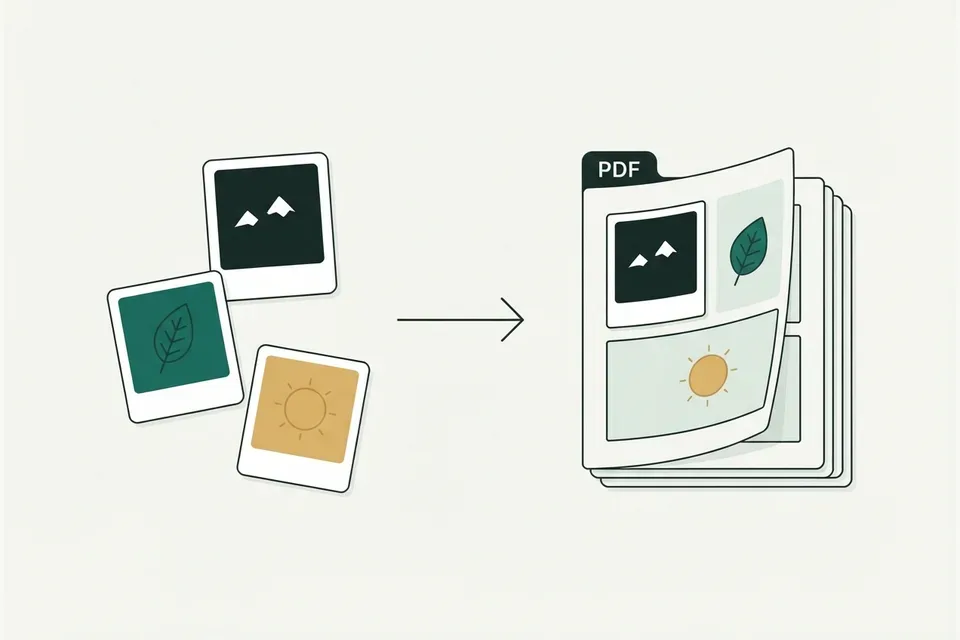
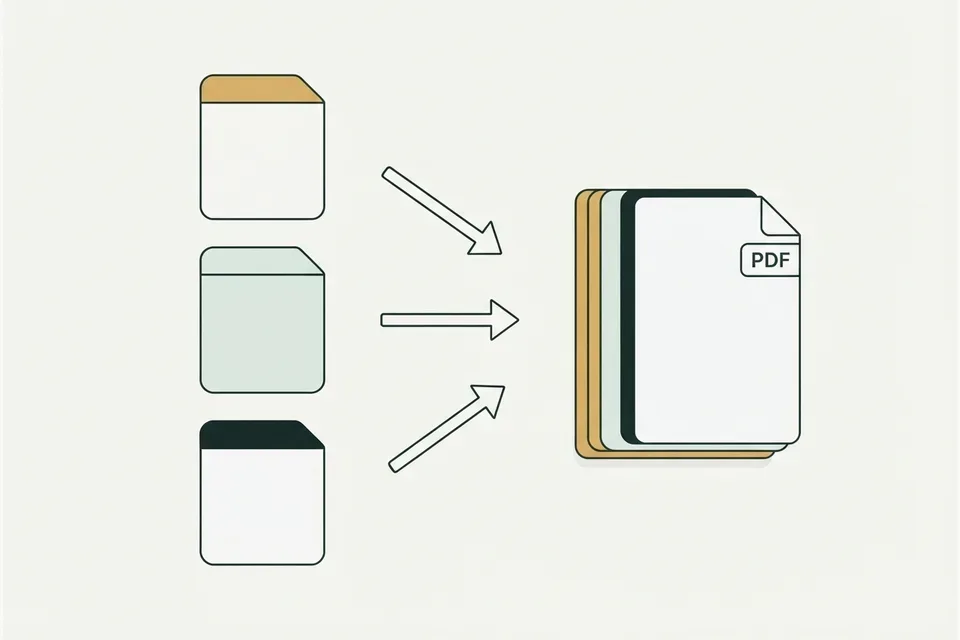
Turn ordered JPEG, PNG and WebP images into a single PDF — one page per image in your chosen order, with A4, Letter or original-image page sizes, margins and contain fit. Damaged, unsupported and oversized files are flagged per image before export.
Images
Drop JPEG, PNG or WebP images here, or choose them below. The list order becomes the page order — reorder with the arrow buttons before creating the PDF.
0 of 100 images · 0 B of 100 MB · 0.0 of 120 MP pixels
Page setup & result
Add images on the left — the list order becomes the page order. Pick a page size and margin, then press Create PDF and download the result here.
Limits: 100 images, 100 MB combined, 25 MiB per file, 24 MP per image, 120 MP pixels total. Damaged or unsupported files are flagged per row.
Choose JPEG, PNG or WebP images or drop them here — one PDF page per image, in list order.