marketing

UTM Builder
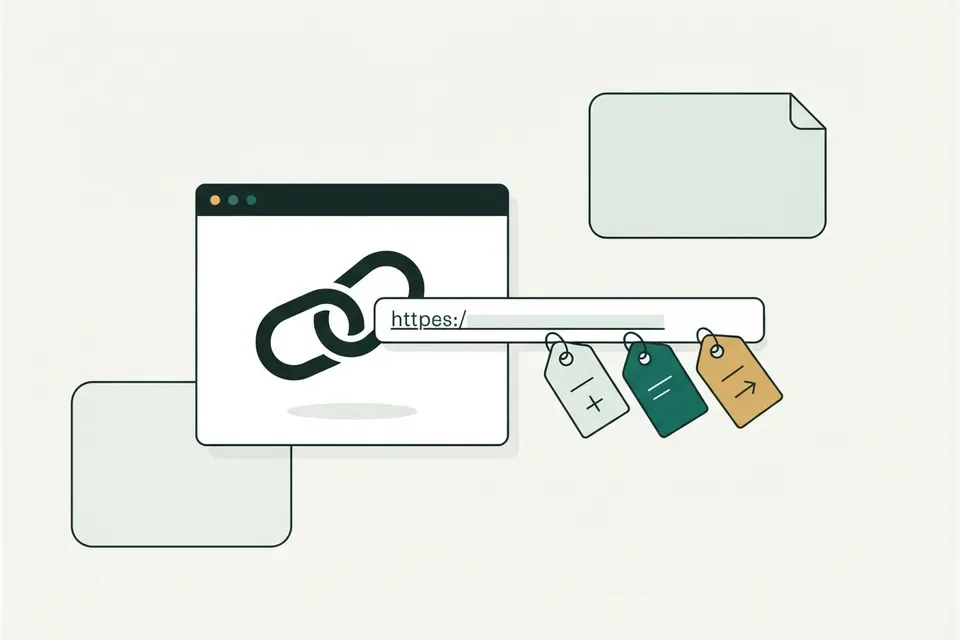
Build a campaign-tagged URL from a destination link and UTM parameters, preserving the existing query and fragment.

Link & campaign

The http(s) page you want to tag, e.g. https://example.com/landing-page — existing query parameters and the fragment are kept.

Presets

Fill a suggested source, medium and campaign — every value stays editable.

Campaign parameters

Required — appears as a utm_ parameter in the link.

Required — appears as a utm_ parameter in the link.

Required — appears as a utm_ parameter in the link.

Leave empty to omit this parameter.

Leave empty to omit this parameter.

Leave empty to omit this parameter.

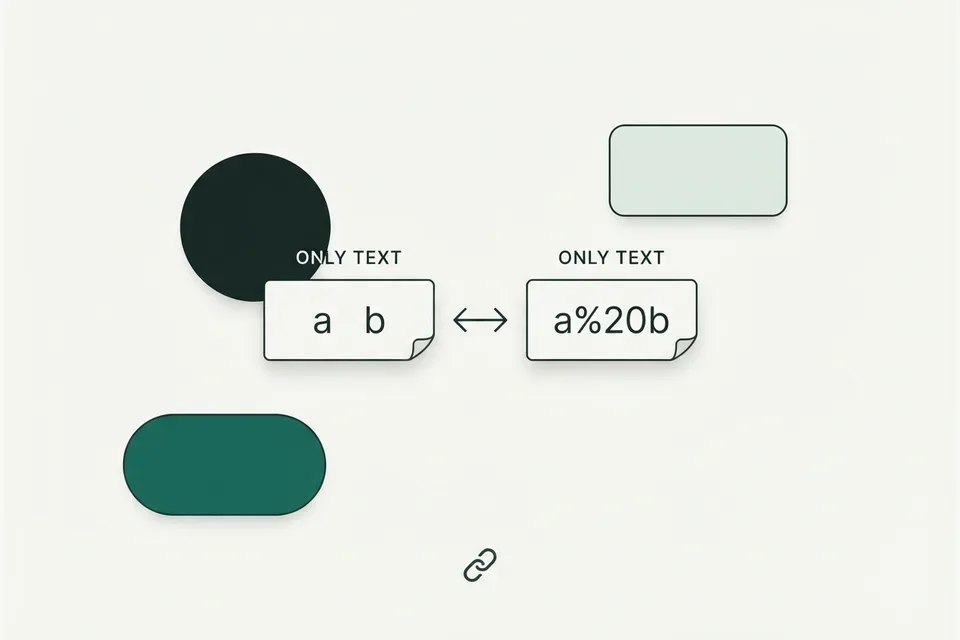
Values are trimmed, limited to 100 characters and encoded once — a space becomes %20. Use lowercase-with-dashes naming (for example spring-sale) for consistency across campaigns.

Result

The tagged link appears here as you fill in the form — it updates live, with a parameter breakdown and a copy button.

Enter a destination URL and the campaign details — the tagged link appears here.
Privacy settings

Checking…

We count anonymous tool use and coarse errors to improve ToolDeck. We do not send your files, pasted text, generated links, or results. Normal network delivery still exposes connection metadata to Cloudflare. Your choice is stored only in this browser's local storage — we do not create a visitor ID. Decline opts out; your browser's Global Privacy Control or Do Not Track signal overrides any choice.

Developer feedback