nautical
GPS Coordinate Converter
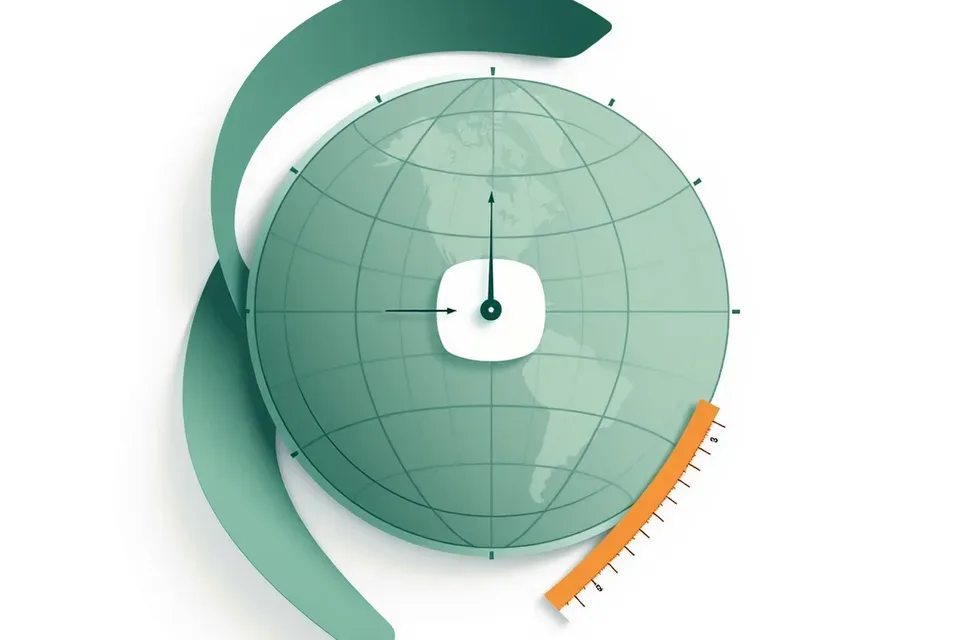
Convert latitude and longitude between decimal degrees, DMS (degrees° minutes′ seconds″) and DDM (degrees° decimal-minutes′). Enter either format in each field — hemisphere letters or signs set north/south and east/west — and every format is shown at once with copy buttons.
Enter coordinates
Decimal degrees, DMS or DDM — e.g. 43.6532, 43° 39′ 11.5″ N, 43° 39.192′ N. N or S sets the direction; a leading − works too.
Decimal degrees, DMS or DDM — e.g. -79.3832, 79° 22′ 59.5″ W, 79° 22.992′ W. E or W sets the direction; a leading − works too.
Bare decimal degrees count as positive (N/E). DMS and DDM need a hemisphere letter or a leading sign — a bare “43 39 11.5” is rejected rather than guessed.
All three formats
Enter a latitude and longitude — each field takes decimal degrees, DMS or DDM, and every format is shown at once.
How these conversions work here
- Format conversion only — there are no datum shifts (WGS84↔NAD83), map projections or UTM here; convert the numbers, not the reference frame.
- Decimal degrees show six places, DMS seconds show one decimal (0.1″) and DDM minutes show three (0.001′) — each format rounds on its own, so re-entering a displayed value can shift the last digits.
- Bare decimal degrees count as positive (N/E); DMS and DDM need a hemisphere letter or a leading sign so the direction is never guessed.
- Latitude runs −90° to 90° and longitude −180° to 180°; minutes and seconds must be under 60 — carry overflow into the next unit yourself.
- For reference — verify positions against official charts, a GPS receiver or your plotter before relying on them.