images
Image Rotate & Flip
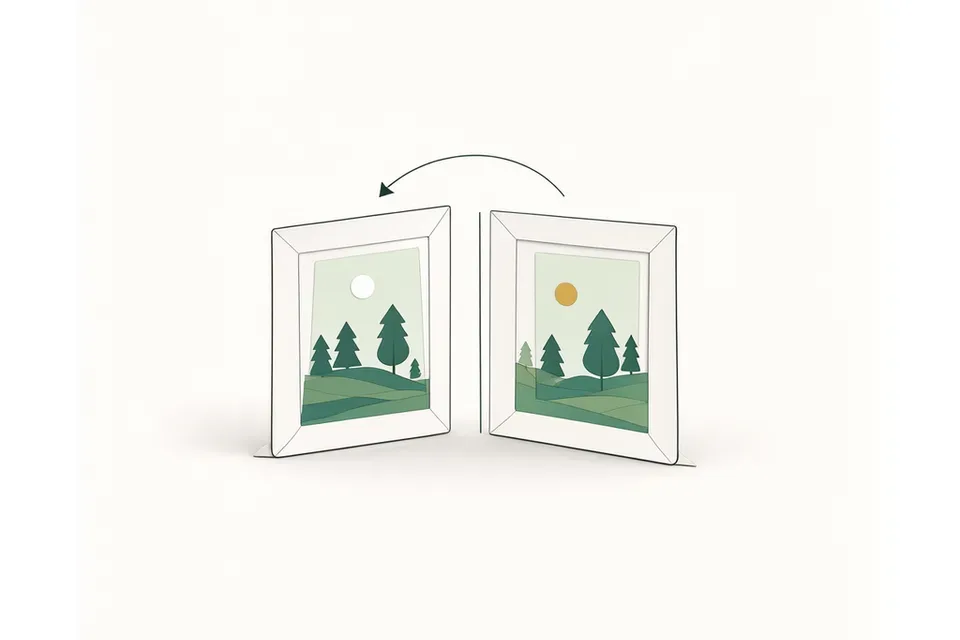
Rotate a PNG, JPEG or WebP by quarter turns and mirror it horizontally or vertically, then download the result — same size, quality and transparency rules as the other image tools.
Choose an image to begin.
Image & transform
or drop an image here - still JPEG, PNG or WebP, up to 10 MiB, 24 megapixels max.
Result
The transformed image appears here at the output pixel size - same format as the input, with its own download button.
Before you rely on this
- Quarter turns and mirror flips only - arbitrary-angle rotation, cropping and straightening are not part of this tool.
- One image at a time. Still JPEG, PNG or WebP up to 10 MiB and 24 megapixels; animated PNG/WebP, GIF, SVG, AVIF, HEIC and corrupt files are rejected with a clear message.
- EXIF orientation is honoured at decode: the browser applies any stored rotation first, so the preview and output show the photo upright and transforms apply on top of that. The downloaded file carries no EXIF metadata.
- Output keeps the input format (JPEG, PNG or WebP) and is always re-encoded: JPEG re-compresses at the chosen quality and flattens transparency onto white; PNG stays lossless and keeps transparency; WebP re-encodes at the chosen quality and keeps transparency.
- Every output edge must be 8,192 pixels or less - a source with a longer edge cannot be transformed even when its pixel count is under the limit.